FeaturedNewsPubKeepUncategorized
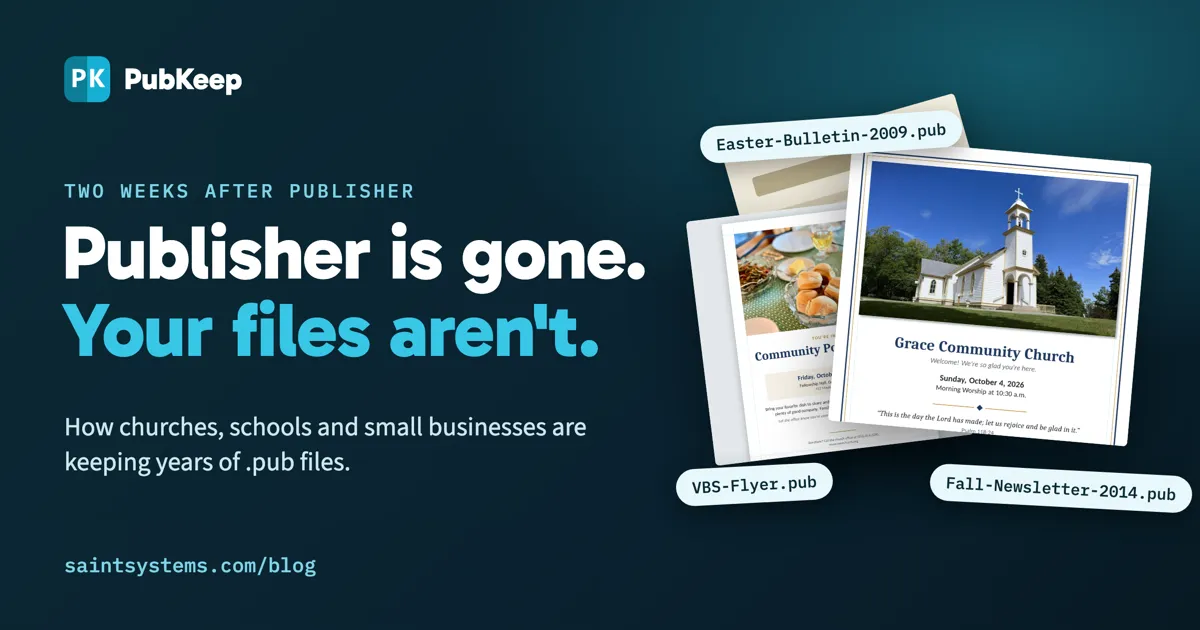
On October 1, Microsoft removed Publisher from Microsoft 365. On October 13, support for Office 2021, the last perpetual version that included it, ended too. After 35 years, the app that churches, schools, nonprofits and small businesses used for their bulletins, newsletters, flyers, labels and yearbooks is done.
The files aren’t. Most of the people we’ve heard from have hundreds of .pub files. Some have thousands, going back decades. Microsoft’s advice is to convert them to PDF or Word. A PDF looks right but can’t be edited. Word can be edited, but it isn’t a page layout tool, so the layout shifts the moment a bulletin goes in.
Who this hit hardest
It wasn’t designers. Designers moved to InDesign years ago. It was the church secretary who builds a bulletin every Thursday, the pastor with 35 years of newsletters, the preschool director with 20 years of flyers, and the volunteer who does the school yearbook.
“I panicked when I heard Publisher was going away, as my small church uses it for just about everything.”
Jane H., small church, via Trustpilot
“I was greatly distressed at the prospect of losing the thousands of Microsoft Publisher files I’ve created over the past 30 years.”
Barbara C., author and historian
The options, honestly
For a closer look at opening .pub files on a computer without Publisher, see our guide to opening and editing .pub files without Publisher.
Keep an old copy of Publisher running. If you have Publisher 2019 or 2021 installed, it still opens your files. But it no longer gets security updates, and it’s one computer replacement away from being gone.
Convert to PDF or Word. Fine for archiving. Not fine for next week’s bulletin.
LibreOffice Draw or Scribus. Both are free and can import many .pub files. The Document Foundation itself describes Draw as not a desktop publishing application, and complex layouts often shift on import.
Affinity or Adobe InDesign. Powerful tools, but they’re a new program to learn. The latest Affinity can open .pub files, though layouts often need rework once they’re in. InDesign doesn’t open them at all.
“I tried Affinity and Scribus, and both were going to require some relearning. I was pleasantly surprised to see PubKeep was more like Publisher than the others.”
Lili Swenson, Gibson County Master Gardeners (Indiana)
Why we built PubKeep
This one started with a phone call from my mom. My aunt ran her own printing business for 45 years, my mom worked there with her, and between them they had thousands of Publisher files. They asked if I could help save them before the app went away.
That became PubKeep, a desktop app for Windows and Mac that opens your .pub files as they are and keeps them editable. It looks and works enough like Publisher that there’s nothing to relearn, it prints and exports to PDF, and it saves your work in the open .pubk format so you’re never locked in again. The full story is at pubkeep.com/story.
Before launch, more than 1,200 churches, nonprofits, schools and businesses signed up for our early access program, including 540 churches, 250 nonprofits and 100 businesses. They tested it on their own files and told us what didn’t open right. We launched September 30, the day before Microsoft pulled Publisher, and more than 2,000 people have signed up so far.
What people are saying two weeks in
“I have over 10 years (and over 100) Publisher files that I frequently go in and update. … when I went to save it…it froze. … NOT ONLY was the download simple, but it was able to OPEN my FROZEN doc. AMAZING!!!”
Sarah E., via Trustpilot
“PubKeep saved me from having to re-start an eight-year project in an entirely new program. If you’ve been using Publisher for years, and don’t want to switch to a different program that doesn’t really do what you’re used to, this is the one for you.”
Sheila Streeter, via Trustpilot
“I used MS Pub A LOT the last 20+ years … I downloaded it, opened it, and was absolutely amazed how effortlessly it opens my MSPub files, just as they were.”
Dee Sivertsen, via Trustpilot
“When I printed a bulletin and it came out of the printer looking like a bulletin, I had tears in my eyes. The relief is amazing. It’s enough like Publisher that I don’t have to start from scratch, and all my old files are still good.”
Pr. E. Ann Melot, Zion United Lutheran Church, Brodheadsville, PA
“I’ve served as a pastor for 35 years and relied on Publisher for years for bulletins, newsletters and more. To be able to access the hundreds of files I created in Publisher is truly a blessing.”
Roger Vest, Pastor, Hiram First United Methodist Church, Hiram, GA
“I publish an elementary school yearbook, 120 pages each year. I am glad that I don’t need to abandon my Publisher files.”
Elementary resource specialist teacher, Baldwin Park, California
“PubKeep saved my projects for work. Trying to learn InDesign is like learning a whole new language.”
Bryan C., outside sales, building a 278-page product catalog
PubKeep is rated 4.7 on Trustpilot and 5 stars on G2.
If you still have Publisher files
- Don’t wait until the computer with your old copy of Publisher dies.
- Try PubKeep free for 7 days on your own files. No credit card. pubkeep.com/desktop
- If it works for you, it’s a one-time purchase, not a subscription. Founder pricing through October 31 is $99 for one computer or $159 for two, with 5 and 10 computer licenses for church offices and schools.
If a file doesn’t open right, send it to us. We read every email, and most fixes ship within a day or two.
Adam Anderly is the founder of Saint Systems, a Dallas-based software and consulting firm, and the maker of PubKeep. PubKeep is not affiliated with or endorsed by Microsoft.