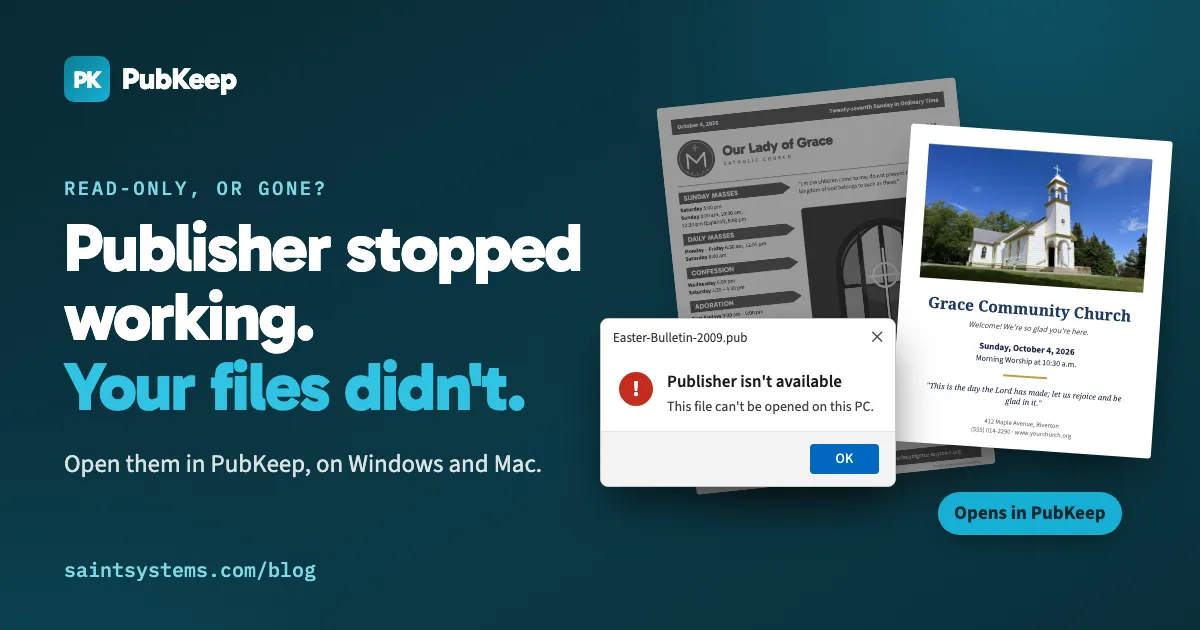
In the last two or three days, our inbox has filled with the same message. Publisher won’t open. Or it opens, but a file is read-only and nothing can be edited. Or the app is simply gone from the computer.
If that’s you, nothing is wrong with your computer or your files. Microsoft is retiring Publisher, and the change is now reaching people’s machines. Here’s what happened, how to tell which situation you’re in, and what you can do today.
What changed
Microsoft announced in 2024 that it would retire Publisher. Two dates this month made it real:
- On October 1, 2026, Publisher was removed from Microsoft 365. As Office updates roll out, Publisher stops working or disappears on more computers each day. That’s why it may have worked last week and not this week.
- On October 13, 2026, support ended for the versions you bought once: Publisher 2016, 2019 and 2021. They still run, but they no longer get security updates or fixes.
Microsoft didn’t release a replacement app that opens .pub files. Its guidance is to use Word for newsletters and labels, PowerPoint for signs and posters, and to save your .pub files as PDFs.
Which situation are you in?
| What you’re seeing | Your setup | What it means |
|---|---|---|
| Publisher won’t open, or the icon is gone | Microsoft 365 subscription | Publisher has been removed or is being removed. It won’t come back. |
| Publisher opens, but files are read-only or you can’t edit | Microsoft 365 subscription | Your copy is on its way out. Save copies of your important files now. |
| Publisher opens and works normally | Publisher 2016, 2019 or 2021, bought once | It keeps working for now, without security updates. Plan for when that computer is replaced. |
| Nothing opens .pub files | A new computer, or a Mac | There’s no Microsoft app to install. Publisher never ran on Mac. |
Can I reinstall Publisher?
Not through Microsoft 365. Once it’s removed, Office won’t put it back, and reinstalling Office won’t bring it back either.
If you still have an installer and product key for Publisher 2016, 2019 or 2021, that version can still be installed. Be careful with “Publisher 2021 keys” sold cheaply online. Many are resold or unlicensed, and they come with no support.
What to do now
1. Save PDFs of the files you care about
Do this first, whatever you decide next. If Publisher still opens, use File > Save As > PDF. A PDF keeps a record of how each file looked. It’s view-only, though, so it won’t help with next week’s bulletin.
2. Decide how you’ll keep editing
You have a few honest options:
- Rebuild in Word or PowerPoint. This is Microsoft’s advice. It’s fine for one-off documents. For anything you reuse every week or month, it means recreating every layout by hand.
- LibreOffice Draw or Scribus. Both are free and can import .pub files. They rebuild the layout as they import it, so text reflows, fonts change, and pages often need cleanup. They also work differently from Publisher.
- PubKeep. We built PubKeep for exactly this situation. It’s a desktop app for Windows and Mac that opens your .pub files directly, page for page, with no Publisher installed. The ribbon and menus work the way Publisher did, so there’s nothing new to learn. It also does mail merge, templates, booklet printing and PDF export. Your original .pub files are never changed, because PubKeep saves your edits as .pubk files.
If you want a step-by-step look at opening and editing .pub files without Publisher, see our earlier guide, Microsoft Publisher Replacement: How to Open and Edit .pub Files Without Publisher. For how other offices are handling the switch, read Two weeks after Microsoft pulled Publisher, here’s how churches, schools and small businesses are keeping their files.
Since launch, more than 1,000 churches, 425 nonprofits, 300 businesses and 100 schools have signed up for PubKeep, and it’s rated 4.7 on Trustpilot.
If you support an office
- The Windows installer is signed with our code signing certificate. PubKeep is also in the Microsoft Store, which is the easiest install for most offices.

- One license key covers every computer on a license. Volume licenses cover 3 to 25 computers, and we invoice for larger orders.
- Documents stay on the computer. PubKeep doesn’t upload your files.
A note on who we are
Saint Systems is a Dallas-area software company and a long-time Microsoft partner. We built PubKeep after watching our own clients get stuck when Publisher’s retirement was announced. PubKeep is our product, so weigh our recommendation with that in mind.
Try it on your own files
The best test is your own bulletin or newsletter. Try PubKeep free for 7 days, with no credit card needed. The Founder price of $99 runs through October 31, 2026.
Questions? Email hello@pubkeep.com. A real person answers.
PubKeep is not affiliated with or endorsed by Microsoft. Microsoft Publisher is a trademark of Microsoft Corporation.